Retrofitting a Smart Home Without Tearing Up Walls
Most homes were never built with automation in mind. The wiring behind your walls was run for outlets, switches and a ceiling fan or two — not for motorized shades, door sensors or whole-home audio. So when homeowners start looking at smart technology, the same worry comes up every time: does this mean opening up drywall, patching, sanding and repainting half the house?
It does not. Wireless protocols, battery-powered hardware and smarter use of the wiring you already have make it possible to add lighting, climate, security and entertainment control with very little disruption. This guide from Quantum AV explains what a smart home retrofit actually involves, where the honest limits are, and how to plan one so the finished result feels designed rather than pieced together.
What a Smart Home Retrofit Actually Involves
A retrofit works with the house as it stands. Rather than pulling new cable to every corner, the aim is to replace or supplement what is already in place. Most of the equipment used in retrofit home automation is built for exactly this job: it fits existing boxes, reuses existing low-voltage runs, or skips wiring altogether.
Smart switches and dimmers that drop into the wall boxes you already have
Battery or rechargeable shades that mount inside the window frame, with no power run required
Wireless sensors for doors, windows, motion, water leaks and temperature
Cameras and video doorbells that reuse doorbell wiring or run on rechargeable batteries
Smart thermostats that use the thermostat wiring already at the wall
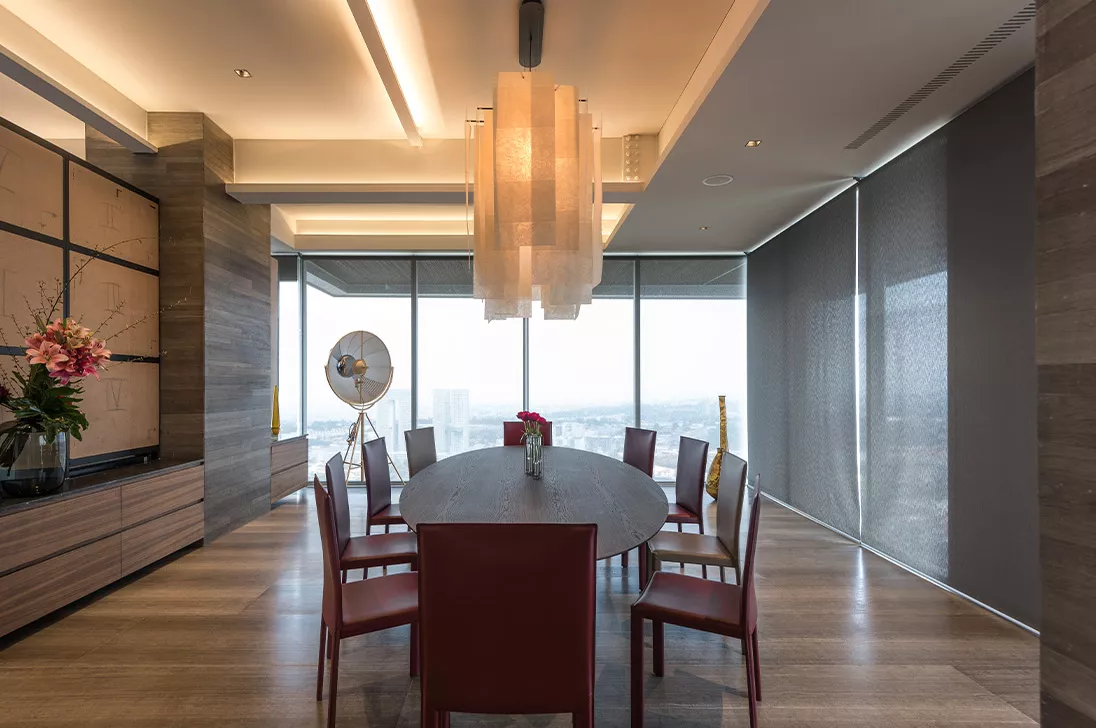
Networked speakers and streaming zones that ride your Wi-Fi instead of speaker cable
A central app or keypad that ties all of it into one interface
The result is a smart home without rewiring — one that behaves like a designed system, not a drawer full of separate apps.
Wireless First, Wires Only Where They Truly Help
The guiding rule in any wireless smart home installation is simple. Solve it wirelessly unless a wire gives you something meaningful in return.
Where wireless is the obvious answer
Lighting control, shades, locks, sensors, thermostats and most cameras all work beautifully over a wireless link. Battery life on modern sensors is measured in years, and smart lighting retrofit products are designed so an electrician can swap a switch in a few minutes per opening. Nothing is opened, nothing is patched.
Where a single wire is still worth it
A few things reward the extra effort. In-ceiling speakers, high-resolution video distribution, outdoor cameras in exposed positions and wired access points all perform better on cable. The good news is that one discreet run — often through an attic, a closet or a basement — can serve a whole floor. A skilled installer will find the path that costs you the least patching, and will tell you honestly when it is not worth it.
The best retrofit is not the one with the most devices. It is the one your family stops noticing after a week.
Going Room by Room
Thinking in rooms keeps a project grounded. Here is where existing homes usually gain the most.
Entry and hallways
A smart lock and video doorbell change how the house handles arrivals. Add a path of lights that fades up when the door opens after dark, and the entry stops being a scramble for switches.
Living room
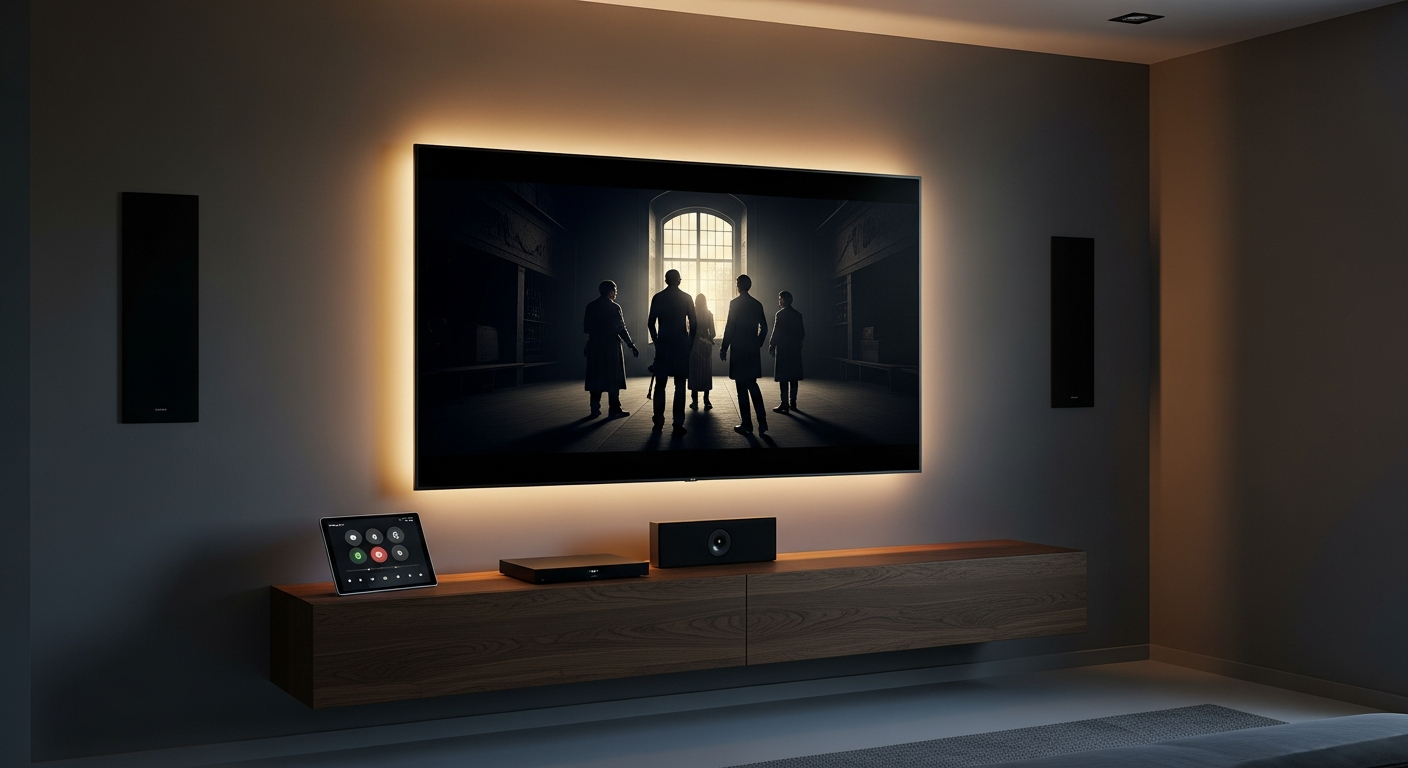
One button that dims the lamps, lowers the shades and wakes the television replaces four remotes and a wall of switches. This is usually the room that convinces the rest of the family.
Kitchen
Under-cabinet and task lighting on dimmers, a speaker zone for mornings, and a leak sensor under the sink. Small changes, but they are the ones used every single day.
Bedrooms
Bedside control of the room lights, quiet shades on a schedule, and a gentle wake sequence in the morning. Shades are often the single most appreciated upgrade in a bedroom.
Outdoors
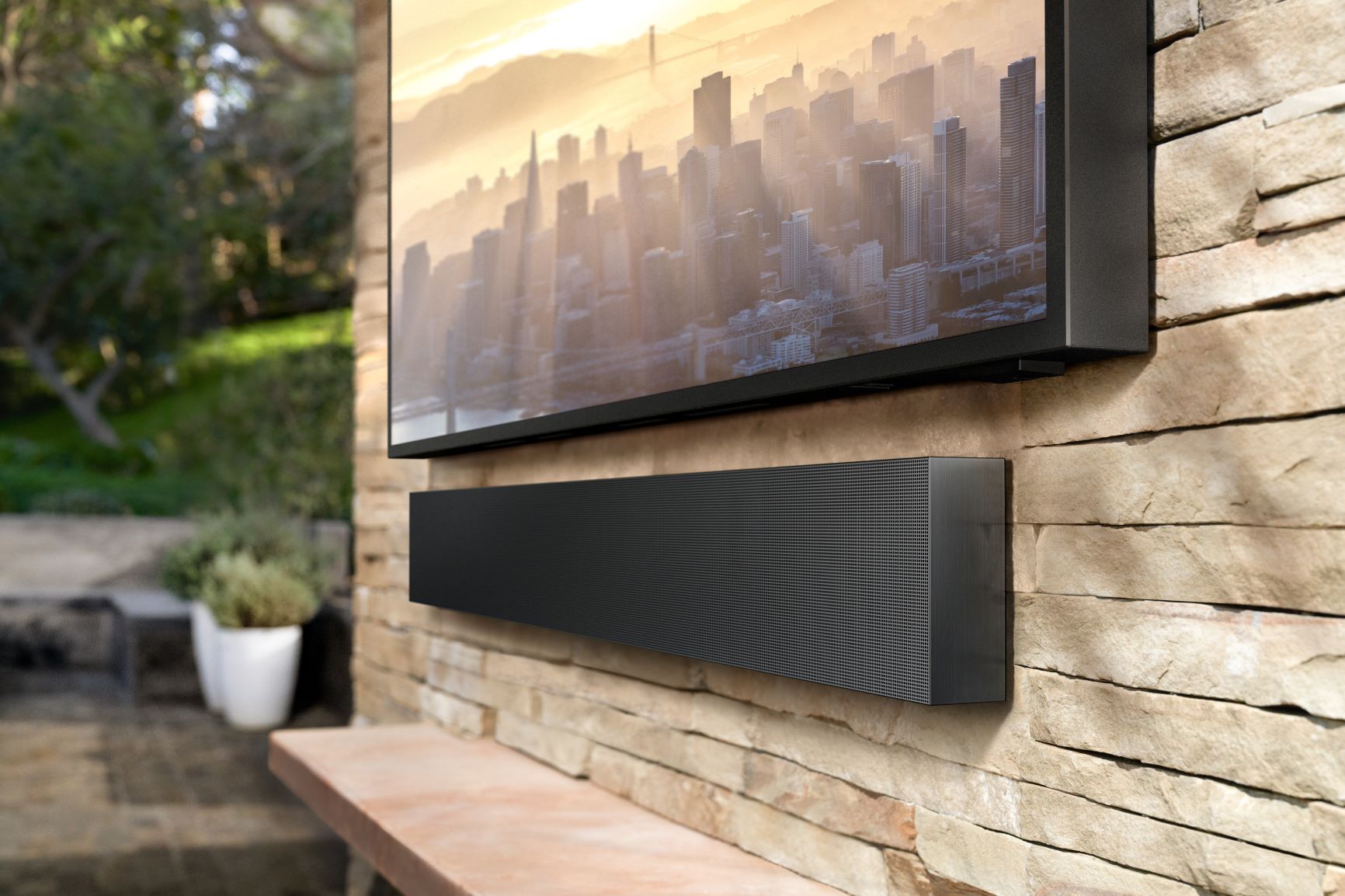
Landscape and facade lighting on a schedule, wireless smart security cameras at the approaches, and audio on the patio for when the weather is right.
Everyday Scenarios Worth Setting Up
Devices are only half the value. The scenes behind them are what make the home feel different.
Good Morning — shades rise, kitchen lights come up slowly, news or music starts in the kitchen.
Leaving — one press locks the doors, arms the sensors, drops the thermostat and turns off every light.
Welcome Home — the entry and hallway light as the lock opens, and the house returns to a comfortable temperature.
Movie Night — the room dims to a set level, shades close and the display and audio switch on together.
Good Night — the house sweeps itself off, locks up and leaves a soft path to the bathroom.
Away — lighting follows a lived-in pattern and you get an alert if a door, window or water sensor reports anything unusual.
The Network Is the Real Foundation
This is the part that gets skipped, and it is the part that decides whether the system feels instant or frustrating. Every wireless device leans on your network. A router from the cable company, sitting in a closet, was never meant to carry forty connected devices across three floors.
A proper mesh network for home automation places access points where the coverage is actually needed, keeps automation traffic separate from streaming and guests, and gives the system a stable backbone. Local protocols such as Thread, Zigbee and Z-Wave add a second layer: low-power devices relay for each other, so a sensor at the far end of the house still reports in reliably. Get this right first and everything installed afterwards simply works.
Cost, Phasing and What You Save
A retrofit does not have to happen all at once, and it rarely should. Because there is no construction to schedule around, work can be staged room by room as budget allows.
No construction costs. Nothing to patch, sand, prime or repaint, and no need to move out for a week.
Phased spending. Start with the network and lighting, then add shades, climate and security over time.
Lower running costs. Lights that turn themselves off and a thermostat that follows real occupancy trim energy use month after month.
Equipment that moves. Much of a wireless system can travel with you if the house ever changes hands.
Room to grow. A well-planned system accepts new devices for years without being rebuilt.
How to Get Started
List the daily annoyances. The dark hallway, the shade you never open, the switch nobody can find. Those are the real brief.
Book a walkthrough. An installer reads your wall boxes, thermostat wiring, window frames and network coverage in a single visit.
Fix the network first. Everything else depends on it, so it belongs at the front of the plan.
Choose one platform. A single system with one app beats six brands that each want their own.
Start with one floor. Live with it for a few weeks, then extend what clearly works.
Have it tuned. Scenes, dim levels and schedules should be adjusted to your household, not left at factory defaults.
Talk to Quantum AV About Your Home
An older home is not a barrier to smart technology. It is simply a different starting point, and a minimally invasive smart home install is what the equipment available today is designed for. The difference between a retrofit that impresses and one that irritates comes down to planning: the right network, the right devices for your walls and windows, and scenes built around how you actually live.
The team at Quantum AV designs and installs retrofit systems for existing homes, working around your finishes rather than through them. If you would like to know what is possible in your house before committing to anything, get in touch and we will walk it with you.